Alex M.
Content Manager
October 6, 2026
6 min
read


There is no magic number of rental units at which a landlord must stop using Excel.
A better question is:
How much manual coordination does the spreadsheet require?
A landlord with three simple units may have no reason to buy property-management software. Another landlord with five units may already be juggling rent payments, maintenance requests, leases, and multiple owners.
The complexity of the operation matters more than the unit count.
Excel and Google Sheets are excellent for:
For a small portfolio, that can be enough.
Spreadsheets offer flexibility and control, particularly when your processes are simple and you don't need multiple systems to communicate with each other.
Property management involves connected records.
A tenant has a lease.
The lease has a rent amount.
The rent creates a payment obligation.
The payment creates a transaction.
The property also has maintenance requests, documents, and vendors.
A spreadsheet can store all of this. The problem is keeping everything synchronized.
Consider a lease expiring on December 31.
The spreadsheet may contain the correct date. But unless someone actively checks it, nothing happens.
That is the difference between having data and having a workflow.
A workflow connects information to an action, such as notifying a landlord about an upcoming lease expiration or tracking a maintenance request until it is resolved.
Evaluate your operation against these six questions.
Do you manually check multiple places to determine who has paid?
Do lease expirations live across spreadsheets, calendars, and emails?
Do tenants report repairs through texts, WhatsApp, email, and phone calls?
Does producing a monthly property report require manual work?
Are tenant details entered into multiple systems?
Does more than one person need to edit or review the records?
If several answers are yes, dedicated property-management software deserves consideration.
The objective is to identify where administrative work accumulates, not simply count the number of units you manage.
Suppose a landlord spends six hours each month reconciling spreadsheets.
If that time is worth $30 per hour:
6 hours × $30 = $180 per month
A $50-per-month software subscription is not really competing against a “free spreadsheet.”
It is competing against $180 in administrative time, plus the potential cost of errors.
Monthly Cost ComparisonAmountSpreadsheet administration (6 hours × $30)$180Software subscription$50Potential monthly time-cost difference$130
These figures are illustrative, and the comparison assumes the software actually reduces the six hours of work.
That does not automatically mean software is the better choice. If the spreadsheet takes only 30 minutes a month to maintain, the economics are very different.
Consider the time saved, the subscription cost, the risk of errors, and whether the software provides workflows you genuinely need.
Keep using your spreadsheet if:
There is no advantage to buying software simply because other landlords use it.
If your spreadsheet is reliable and takes very little time to maintain, continuing to use it may be the most sensible decision.
The case for dedicated software becomes stronger when you need:
The goal is not to replace Excel because Excel is bad.
The goal is to stop manually coordinating processes that have become interconnected.
Before importing anything into a new system, prepare your existing records.
Then choose a cutover date.
After that date, the new system should become the operational source of truth. Avoid maintaining two competing versions of the same records indefinitely.
A clean migration helps prevent duplicate entries, incorrect balances, and confusion about which system contains the current information.
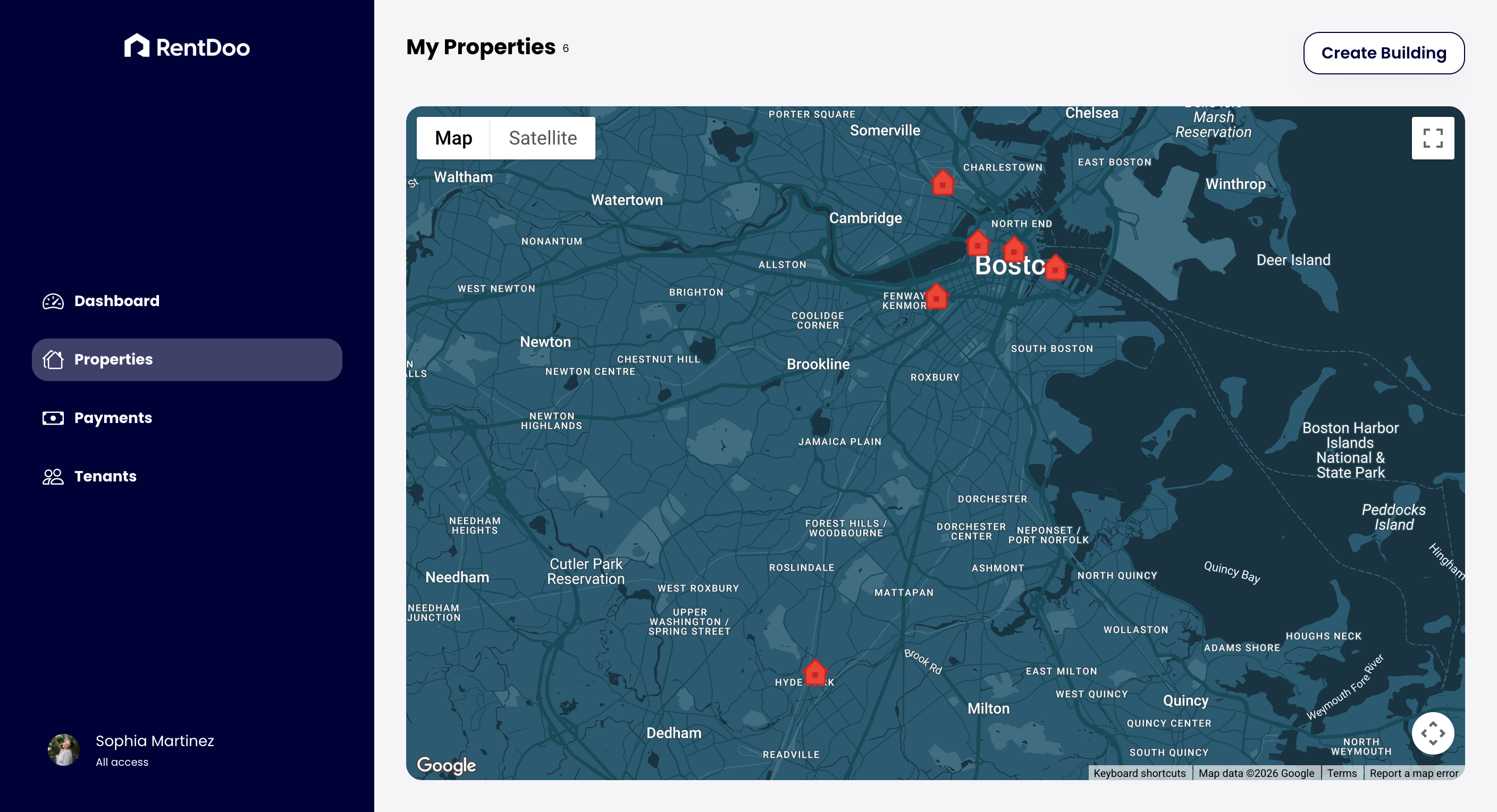
For landlords who reach this stage, RentDoo is positioned as an alternative to maintaining a collection of disconnected spreadsheets. Property, tenant, and rent-management records can be organized within one system.
Microsoft — Excel Functions by Category
https://support.microsoft.com/en-us/excel/excel-functions-by-category
Google Docs Editors Help — Google Sheets Functions