John D.
Content Specialist
October 6, 2026
5 min
read


A rent tracker in Excel should answer three questions for every rental period:
The easiest way to get there is to separate lease information from payment transactions.
Start with the current lease terms.
PropertyUnitTenantMonthly RentDue DayLease EndP0012AJordan Lee$1,650106/30/2027P0012BTaylor Reed$1,800103/31/2027
This table describes what should happen.
It does not describe what actually happened.
Keeping lease terms separate from payment records allows you to compare expected rent against actual collections without overwriting historical transactions.
Record every payment separately.
DatePropertyUnitTenantRent PeriodAmountOct 1P0012AJordan LeeOct 2026$1,650Oct 1P0012BTaylor ReedOct 2026$900Oct 8P0012BTaylor ReedOct 2026$900
Taylor has paid $1,800 in two transactions.
Do not replace the two rows with one $1,800 payment. The transaction history is valuable for reconciliation and recordkeeping.
If your payment table is called Payments, you can calculate how much a particular tenant paid during a specific rental period using:
=SUMIFS(Payments[Amount],Payments[Tenant],A2,Payments[Rent Period],B1)
To calculate payments received for a property during a specific rental period:
=SUMIFS(Payments[Amount],Payments[Property ID],A2,Payments[Rent Period],B1)
These formulas add together all transactions matching the specified criteria, including partial payments.
Make sure the column names in your Excel Table match the formula references.
Suppose your monthly rent table contains the amount due and your payment table contains actual payments.
The basic calculation is:
Outstanding = Amount Due − Amount Received
For example:
The tenant should therefore appear as Partial, not Paid.
For a reliable tracker, calculate the status from the outstanding balance rather than entering it manually. Also account for overpayments, credits, and adjustments where applicable.
At portfolio level, use:
Collection Rate = Rent Received ÷ Rent Scheduled × 100
Suppose:
The collection rate is:
$17,200 ÷ $18,500 × 100 = 93.0%
This is an operational metric. It should not be confused with taxable rental income or accounting profit.
For consistency, define which rental periods and payments are included in the calculation.
If a tenant owes:
Do not change the monthly rent to $1,875.
Record the late fee as its own charge. This preserves the original rent obligation and makes it easier to report rent and additional charges separately.
Whether a late fee is permitted, when it can be charged, and how much can be charged depends on the lease and applicable law.
Security deposits should have their own transaction type or category rather than being mixed into ordinary rent.
This helps prevent deposits from being incorrectly counted as rental income in operational reports. The correct accounting and tax treatment depends on the jurisdiction and circumstances.
A useful rent dashboard can contain:
MetricAmountRent scheduled$18,500Rent received$17,200Outstanding$1,300Collection rate93.0%Fully paid leases9Partial payments1Unpaid leases0
The important thing is that these values come from transaction data.
The dashboard should update as payments are recorded, rather than requiring you to edit totals or statuses manually.
Excel can calculate these numbers perfectly.
The difficulty comes from keeping the data synchronized.
If payments come through bank transfers, checks, cash, payment processors, and tenant messages, somebody has to keep the spreadsheet current. Missed entries and inconsistent records can quickly make the dashboard unreliable.
That is where centralized rent-management software becomes useful.
Instead of manually checking several sources, the landlord can work from a single tenant and payment record.
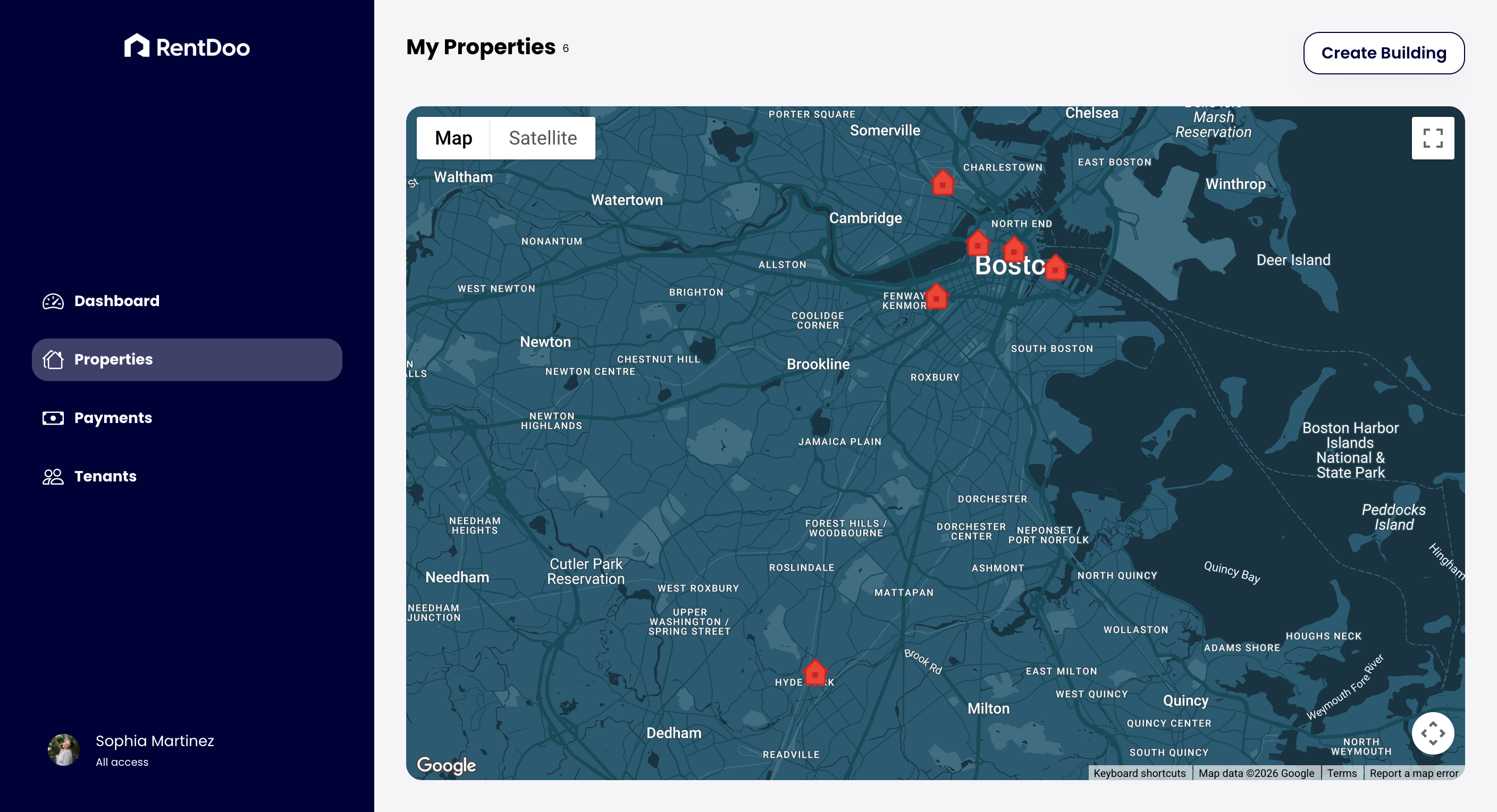
That is one of the operational problems RentDoo is built to address: helping landlords organize rent tracking and property-management information without relying on a collection of manually maintained spreadsheets.
Microsoft — SUMIFS Function
https://support.microsoft.com/en-us/excel/functions/sumifs-function
Microsoft — SUMIF Function
https://support.microsoft.com/en-us/excel/functions/sumif-function